
University gives you access to an extraordinary amount of information. In a single week, you might move between lecture slides, journal articles, seminar discussions, recorded classes, reading lists, assignment feedback, bookmarked websites and your own half-formed ideas. The problem is rarely a complete lack of information. The real problem is being able to find, understand and reuse what you have already encountered.
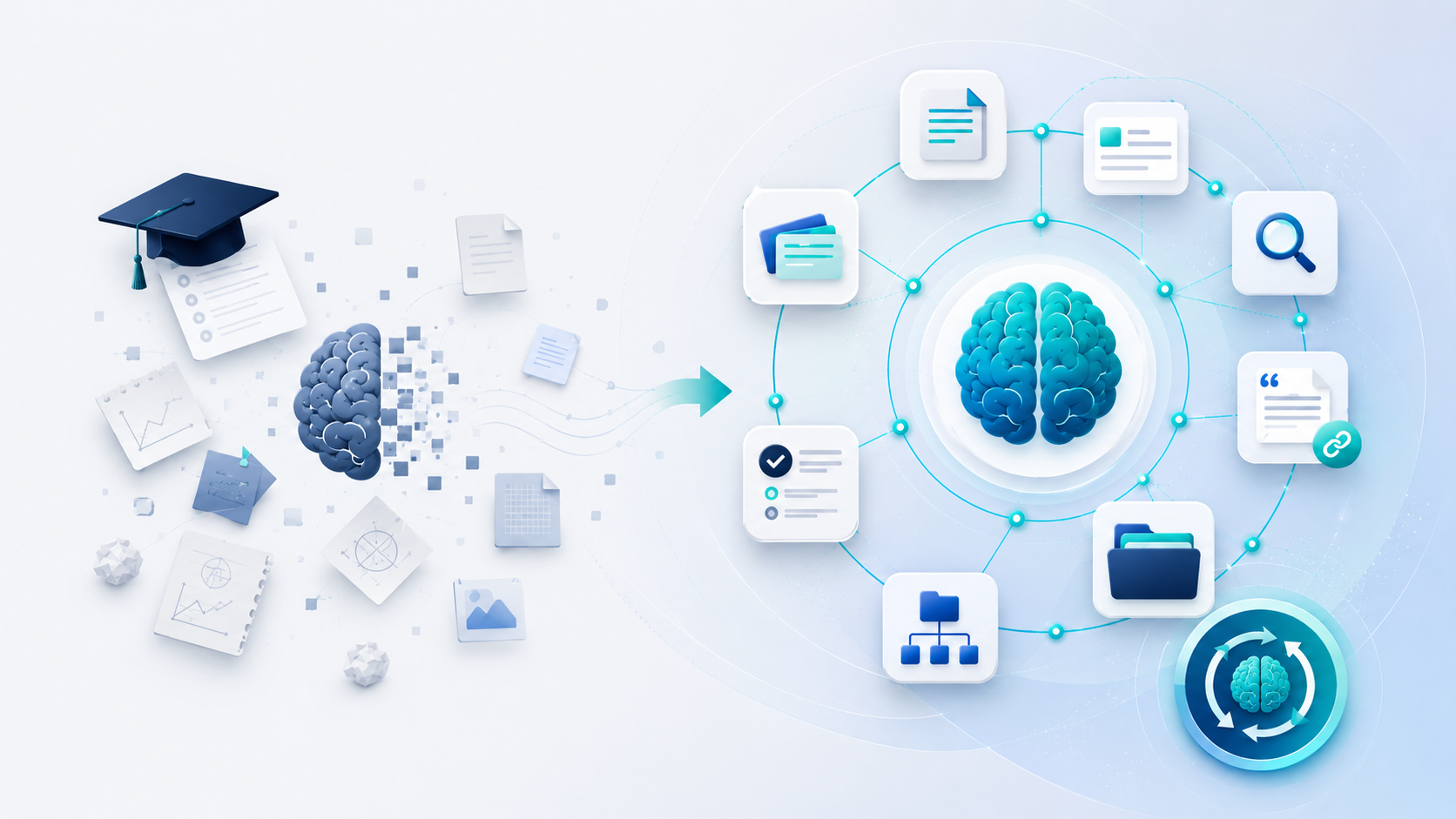
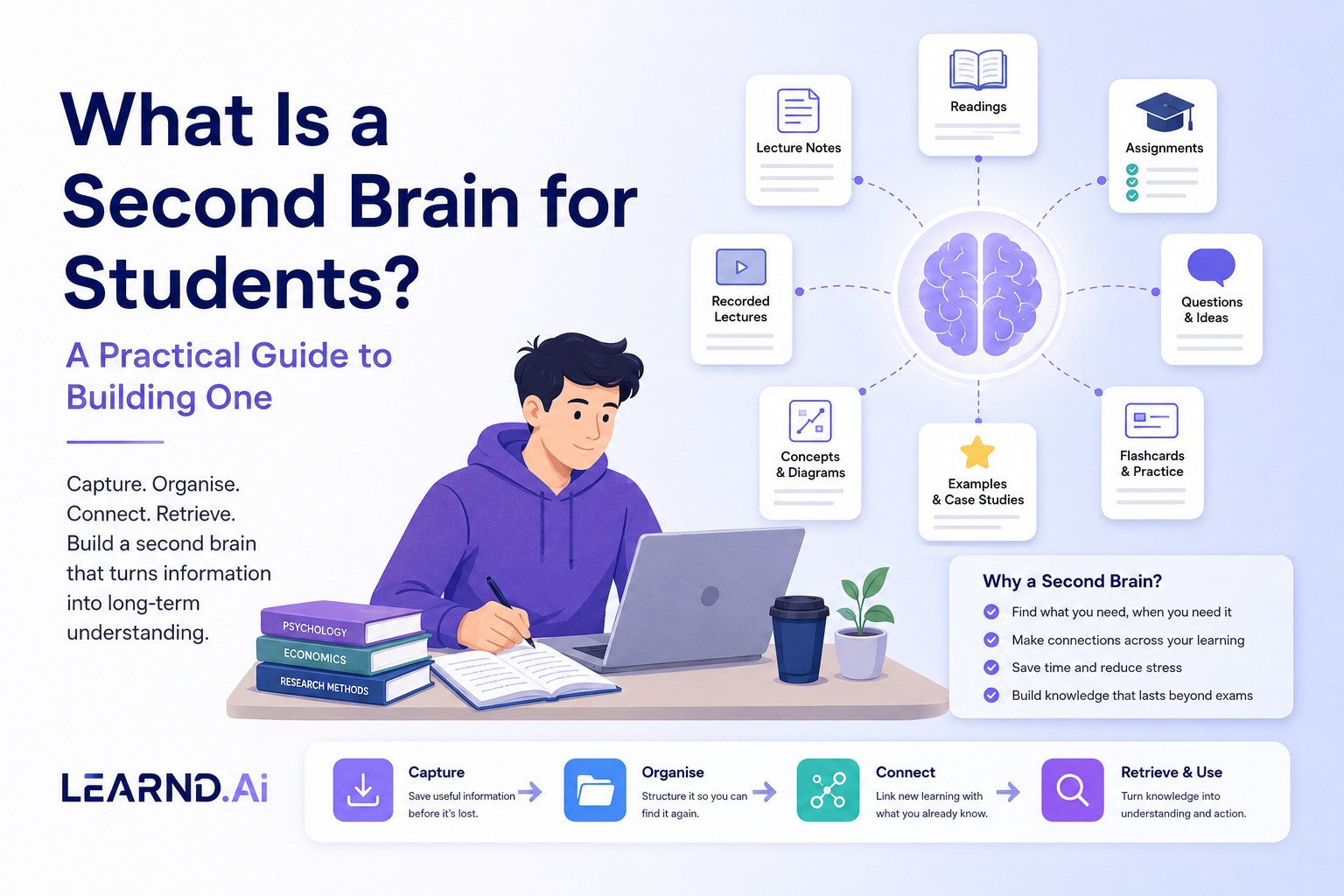
That is where the idea of a “second brain” becomes useful. A second brain is not a replacement for memory, thought or independent learning. It is a personal system for capturing useful information, organising it in a way that makes sense, connecting related ideas and retrieving them when they are needed. For a student, that could mean having one dependable place where module materials, reading notes, questions, examples and revision resources remain accessible throughout a degree.
A second brain is a system, not an app
The phrase can sound more complicated than it is. At its core, a second brain has four jobs:
- capture information before it disappears;
- organise it so that you can find it again;
- connect new learning with what you already know;
- turn stored information into something useful, such as an explanation, essay plan, flashcard or practice question.
The software matters less than the behaviour. A beautifully designed note-taking app will not help if you save everything and review nothing. Equally, a basic folder system can be powerful when it is consistent and easy to search. The best second brain is the one you can maintain during a busy semester.
Researchers describe the use of notebooks, reminders and digital tools as a form of cognitive offloading. External tools can reduce the pressure on limited working memory by storing details that do not need to be held in the mind at every moment. This is useful, but it comes with an important condition: external storage should support thinking, not replace it. Research on the consequences of cognitive offloading suggests that tools can improve immediate task performance while also changing what people remember later. In practical terms, saving a note is not the same as learning it.
Why students need a second brain
Most university systems are organised around delivery rather than long-term ownership. Materials appear in a virtual learning environment for a module, assessment or semester. Students download files into temporary folders, annotate PDFs in different apps and write notes in documents named things like “Lecture 4 final FINAL”. When the module ends, the material remains technically available but becomes difficult to navigate.
This creates three common problems.
1. Information becomes fragmented
One idea may be discussed in a lecture, explained differently in a textbook, challenged in a seminar and applied in an assignment. When each version is stored separately, the student must reconstruct the relationship every time. A second brain brings those pieces together around the idea itself.
2. Students repeatedly start from zero
Without a reusable system, each essay or exam begins with another search through old folders. Time is spent locating information rather than developing an argument. A good knowledge system preserves previous work: useful quotations, source details, definitions, examples, lecturer comments and questions that still need answers.
3. Learning is treated as temporary
Many students organise knowledge around deadlines. Once the exam is over, the notes are abandoned. Yet later modules, dissertations, placements and jobs often depend on concepts introduced much earlier. A second brain makes learning cumulative. It helps a student see a degree as one developing body of knowledge rather than a series of disconnected assessments.
What should go into a student’s second brain?
A useful system does not need to store everything. It should store information that is likely to be reused or developed. This may include:
- concise lecture notes written in your own words;
- key claims and evidence from readings;
- complete source details and page numbers;
- questions that remain unclear;
- examples, case studies and diagrams;
- assignment feedback and recurring mistakes;
- links between concepts across modules;
- practice questions, flashcards and self-explanations;
- reflections on what study methods worked.
The aim is not to create a perfect archive of university life. It is to create a working environment for learning.
A simple structure that works
Many students overdesign their system before they have used it. Start with a structure that mirrors how you naturally search.
Level 1: Degree
Create one main space for your course. This gives the system a clear boundary and keeps academic material separate from unrelated files.
Level 2: Year and module
Within the degree, organise material by academic year and module. Use the official module code where possible because codes are easier to search and less ambiguous than shortened names.
Level 3: Topics, not only weeks
Weekly folders are useful for capturing material, but topic pages are better for understanding. A topic such as “behavioural economics” may appear in weeks three, six and nine. Create a central page for the topic and link the relevant lecture, reading and seminar notes to it.
Level 4: Outputs
Keep a separate area for things you create from your knowledge: essay plans, revision sheets, practice questions, presentations and project ideas. This helps distinguish raw material from processed understanding.
Capture less, process more
Students often assume that detailed notes are automatically better. In reality, a large collection of copied text can become another form of information overload. Strategic note-taking requires selection, interpretation and organisation. Research on strategic note-taking among university students highlights the value of active listening, processing and writing rather than simply recording words.
After each lecture or reading session, spend ten minutes processing what you captured. Ask:
- What are the three most important ideas?
- How would I explain them without looking?
- What evidence supports or challenges them?
- Where have I seen this idea before?
- What do I still not understand?
This short processing stage converts a record into a learning resource.
Build connections deliberately
A second brain becomes more useful as connections grow. Links should not be added for decoration; they should express a meaningful relationship. For example:
- “This theory explains the case study from Module B.”
- “This finding contradicts the argument in Reading X.”
- “This method could be used in my dissertation.”
- “This feedback repeats a problem from my previous essay.”
Concept and knowledge maps are one way to make these relationships visible. A large meta-analysis of concept and knowledge maps found that learning with maps can support knowledge retention and transfer when students actively engage with the relationships between concepts. The value is not the visual neatness of the map. It is the effort involved in deciding how ideas relate.
Do not confuse storage with learning
A second brain should make retrieval easier, but university learning also requires retrieval from your own memory. In a classic study on test-enhanced learning, students who practised recalling material retained more over time than students who repeatedly studied it. This means your knowledge system should regularly prompt you to close the notes and reconstruct the idea.
Turn key notes into questions. Write a short explanation from memory before opening the source. Create practice prompts such as “What are the limitations of this model?” or “How would this theory explain a different case?” The external system holds the material; retrieval practice helps the material become available internally.
A weekly second-brain routine
A sustainable routine can be completed in under an hour each week:
1. Empty your capture points. Move loose notes, screenshots and downloads into the correct module or topic.
2. Rename files consistently. Include module, topic, content type and date where useful.
3. Summarise the week’s main ideas in your own words.
4. Add links between related concepts, sources and assignments.
5. Convert important notes into a small set of questions.
6. Record anything you need to ask a lecturer or investigate further.
7. Back up the system.
This routine prevents the end-of-semester panic of trying to organise twelve weeks of material at once.
Common mistakes to avoid
The first mistake is collecting too much. Saving every article, post and video creates noise. Capture information because it serves a purpose, not because it might be useful one day.
The second mistake is changing tools constantly. Each migration costs time and breaks habits. Choose a system that supports search, links and reliable access, then use it long enough to learn what you actually need.
The third mistake is building an elaborate taxonomy. If you need to decide between twelve categories every time you save a note, the system will fail during busy weeks. Fewer, clearer categories are usually better.
The fourth mistake is never revisiting stored material. A second brain should be active. Notes should return through weekly reviews, revision questions, assignments and cross-module links.
Where AI can help – and where it should not
AI can help students search their own materials, create first-pass summaries, identify repeated themes and generate practice questions. However, generic outputs should not be treated as authoritative. The most useful academic AI works from known sources and makes those sources visible.
LRND.Ai is designed around this principle: bringing learning materials into a structured, source-grounded environment where students can search, question, revise and practise across their content. The aim is not to outsource understanding. It is to reduce the friction between finding information and actively learning from it.
Start small and let the system grow
You do not need to organise your entire degree this weekend. Begin with one current module. Create a home page, add the main topics, process this week’s lecture and connect two related readings. Then use the system for a real task, such as planning an essay or identifying revision gaps.
A student’s second brain is valuable when it shortens the distance between “I know I saw this somewhere” and “I can explain, apply and use this idea.” Build for retrieval, not decoration. Capture selectively, connect meaningfully and practise recalling what matters. Over time, your notes stop being a pile of academic leftovers and become a body of knowledge that grows with you.
Bring your learning materials into one organised, source-grounded space with Learnd.Ai.