Most students do not struggle to take notes. They struggle to connect their notes. This makes it harder to turn scattered information into knowledge they can actually use.
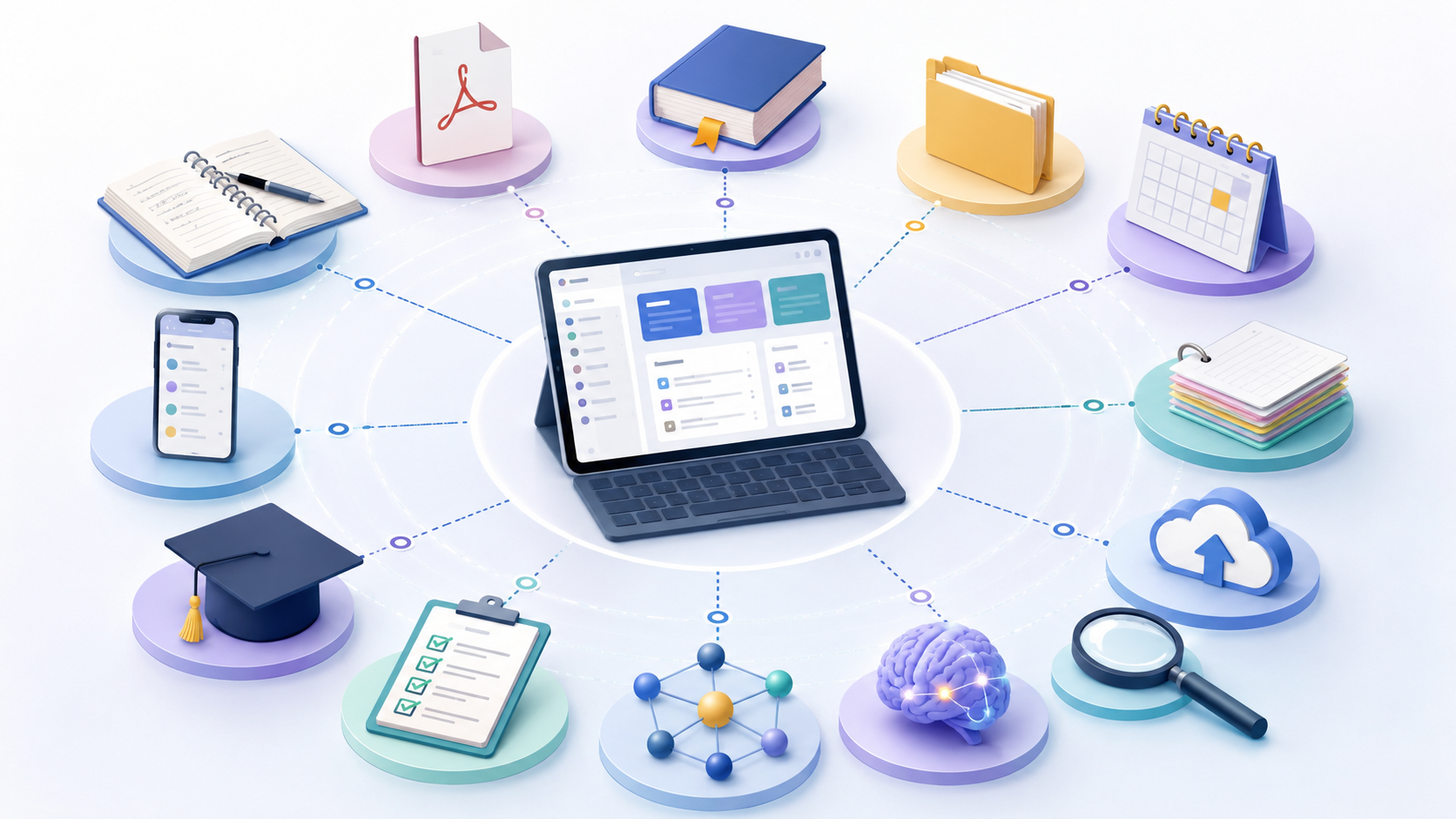
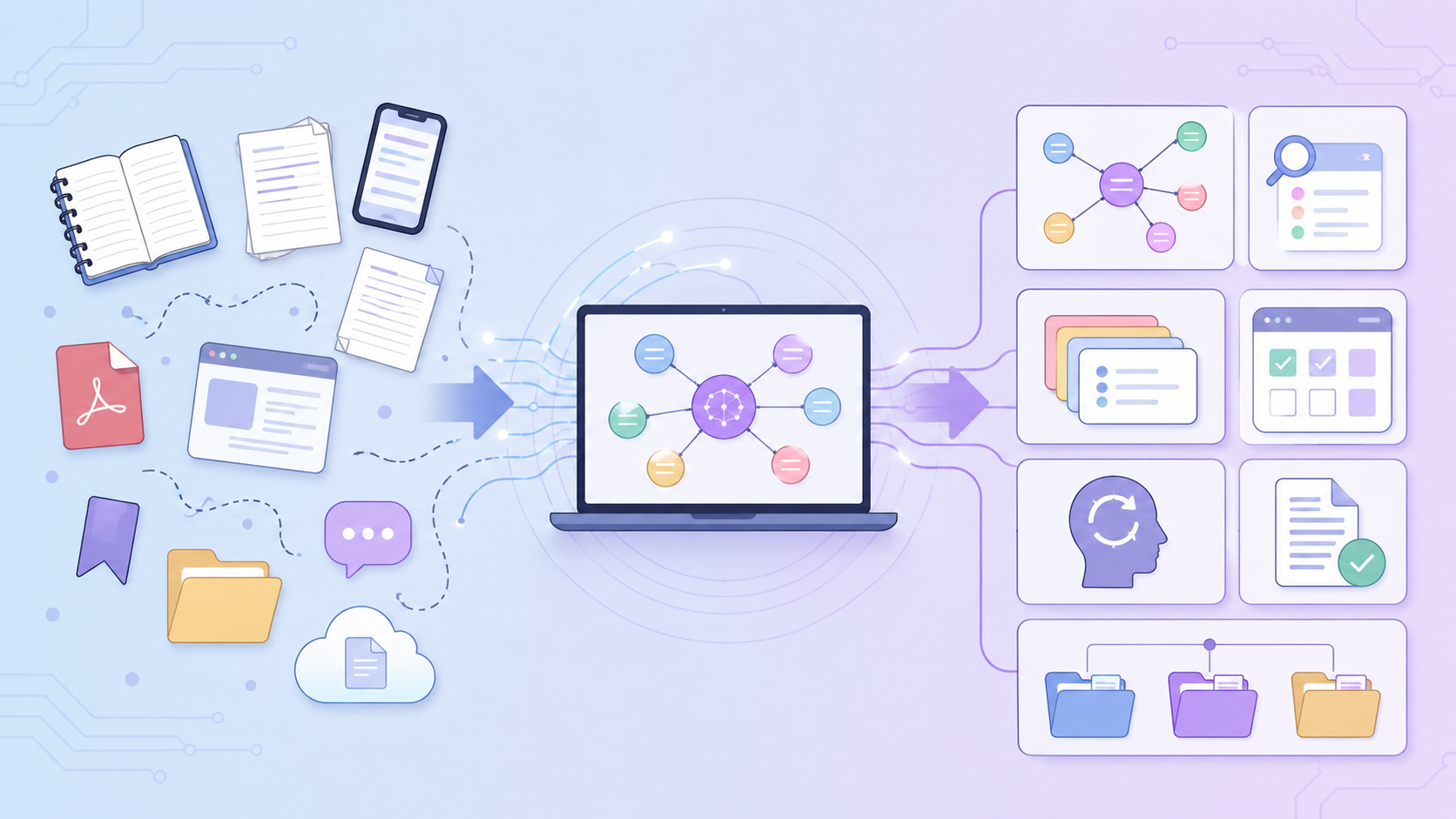
The information exists, but it is distributed across notebooks, cloud folders, lecture platforms, PDF annotations, screenshots, messaging apps and browser tabs. A useful quotation may be saved without the source. A strong seminar point may sit in a notebook that is never opened again. An assignment idea may be written in a phone note and forgotten by the time the next essay begins.
Scattered notes create friction. Every academic task starts with a search, and the student repeatedly rebuilds an understanding they have already developed. The answer is not necessarily one new app. It is a process for moving from isolated records to a connected knowledge system.
What makes a knowledge system “connected”?
A connected system does more than store files in the same place. It makes relationships visible. A note about a theory can point to the lecture where it was introduced, the article that challenges it, the case study that applies it and the assignment where it may be useful.
A connected system therefore has five qualities:
- Traceable: you can identify the original source.
- Searchable: you can retrieve material using predictable terms.
- Contextual: notes retain the module, topic and purpose in which they were created.
- Linked: related ideas point to one another.
- Active: stored information is used to create questions, explanations and outputs.
Without these qualities, moving everything into one folder only creates a larger pile.
Step 1: Audit where your notes currently live
Before reorganising, list every place you store academic information. Common locations include:
- handwritten notebooks;
- university learning platforms;
- laptop downloads;
- cloud drives;
- Word or Google documents;
- PDF readers;
- reference managers;
- phone notes and screenshots;
- browser bookmarks;
- email and group chats;
- AI chat histories.
Mark each location as one of three types:
1. Source repository: original slides, articles, books or recordings.
2. Working space: temporary notes and ideas.
3. Knowledge home: the place where processed, reusable understanding should live.
You may continue using several tools, but choose one knowledge home. This becomes the reliable place for final notes, connections and retrieval prompts.
Step 2: Rescue, do not migrate everything
A common mistake is attempting to move every old file into a perfect new structure. This creates days of administrative work and often leads to abandonment.
Use a rescue approach instead. Prioritise:
- current modules;
- upcoming assessments;
- foundational concepts;
- important source notes;
- feedback you expect to reuse;
- material relevant to a dissertation or career interest.
Leave low-value archives where they are, but create a simple index explaining what exists and where. Migration should be driven by future usefulness, not guilt.
Step 3: Give every important note an identity
A connected note needs enough context to stand on its own. At the top, include:
- a clear title;
- module and topic;
- date created or updated;
- source details where relevant;
- note type, such as lecture, reading, synthesis or assessment;
- a one-sentence summary;
- links to related notes.
A title such as “Smith article notes” is weak because it depends on memory. A stronger title is “Social identity increases in-group favouritism – Smith 2022 reading note.” The title already expresses the idea you may search for later.
Step 4: Convert copied material into atomic ideas
Students often save whole pages of text because the information seems important. Long notes are not inherently bad, but they can hide the individual claims that need to be compared or applied.
An “atomic” note contains one main idea. It does not need to be one sentence; it needs to be focused enough to connect clearly to other notes. For example:
- “Spacing study sessions improves delayed retention.”
- “Prospect theory predicts loss aversion.”
- “Institutional trust influences technology adoption.”
Each note can include the explanation, evidence, limitations and source. The focused title makes it easier to build relationships between ideas.
Do not break every lecture into hundreds of tiny notes. Use atomic notes selectively for concepts you expect to reuse across contexts.
Step 5: Write links as relationships, not references
A link becomes meaningful when you state why the notes are connected. Instead of adding “Related: Motivation,” write:
- “Contrasts with self-determination theory because…”
- “Provides a real-world example of…”
- “Uses the same research method as…”
- “Could support the counterargument in…”
- “Extends the first-year model by…”
This small sentence is often more valuable than the link itself because it captures your reasoning at the moment of understanding.
Research on concept and knowledge maps supports the value of explicitly organising relationships. The classic Nesbit and Adesope meta-analysis examined how node-link representations can support learning. More recent synthesis on concept maps and academic achievement also found positive overall effects. The important learning activity is deciding which relationship is valid and how it should be expressed.
Step 6: Create hub notes for important topics
A hub note is an overview page that points to the most useful material on a topic. It should not repeat every detail. It acts as a map.
A hub for “climate policy,” for example, might contain:
- a plain-language definition;
- key frameworks;
- major debates;
- influential sources;
- relevant case studies;
- links to lecture and reading notes;
- unresolved questions;
- assessment uses;
- retrieval prompts.
Hub notes reduce the need to remember where each piece lives. They also reveal gaps. If the page contains several policy benefits but no criticism, the imbalance becomes visible.
Step 7: Build a controlled vocabulary
Tags become useless when similar labels multiply: “AI,” “artificial-intelligence,” “genAI” and “AI-tools.” Choose a small, controlled set of terms and use them consistently.
Useful tag categories might include:
- module;
- topic;
- note type;
- status, such as to-review or unclear;
- potential use, such as essay, dissertation or placement;
- method, such as qualitative or regression.
Do not tag information that is already obvious from the folder or title. Tags should create an additional route for retrieval.
Step 8: Preserve the source trail
Connected notes are only academically useful when claims can be traced. Include full references and page numbers. Link to the original PDF or library record where possible. Clearly mark direct quotations.
This matters especially when AI is involved. An AI-generated explanation may be useful as a starting point, but it should not be allowed to replace the original evidence. Save the source-grounded claim, your interpretation and any AI assistance as distinguishable layers.
A source trail also protects nuance. A sentence copied out of context may sound more certain than the study itself. Returning to the original source allows you to check the method, sample and limitations.
Step 9: Turn the system into a retrieval engine
A knowledge system should not only answer “Where is the note?” It should help answer “Can I use the idea without looking?”
Research on retrieval practice shows that actively recalling information can improve long-term retention more effectively than repeatedly studying it. Add questions to your notes, such as:
- What problem does this theory solve?
- What evidence supports it?
- What are its main limitations?
- How does it differ from a related theory?
- How would I apply it to a new case?
Review the question first, attempt an answer and then open the note. This keeps the external system from becoming a substitute for learning.
Step 10: Connect knowledge to outputs
The real test of a system is whether it helps you produce better work. Link notes to:
- essay questions;
- evidence tables;
- presentation outlines;
- revision plans;
- research proposals;
- dissertation themes;
- placement tasks;
- career examples.
When starting an essay, create a project hub and pull in links to relevant claims, sources, debates and examples. Do not duplicate the entire note unless necessary. Preserve the relationship between the output and the underlying knowledge.
After submitting, add the final work and feedback back into the system. Your output then becomes another source of knowledge rather than the end of the process.
A 30-minute weekly connection routine
A connected system grows through small, regular maintenance:
1. Process loose notes from the week.
2. Add complete source details.
3. Rewrite the most useful ideas in your own words.
4. Link each major idea to at least one related note.
5. Update one topic hub.
6. Turn two or three ideas into retrieval questions.
7. Archive or delete low-value clutter.
The goal is not inbox zero. It is reducing the number of important ideas that remain isolated.
How to prevent the system from becoming another burden
Keep the rules simple. Use one default place for processed notes. Limit the number of tags. Create new folders only when several items need them. Allow imperfect notes. Review the system through actual academic work rather than scheduled tidying alone.
Personal knowledge management is a form of self-regulated learning because it requires students to plan, monitor and adjust their learning process. A meta-analysis of self-regulated learning training programmes found that these interventions can improve performance, learning strategies and motivation. The system should therefore make reflection easier, not create another standard of perfection.
Where source-grounded AI fits
Searching across hundreds of files is a task well suited to AI, provided the answer remains connected to the source. AI can identify where a topic appears, compare explanations, propose questions and help organise a first draft of a hub. Students still need to verify the evidence and make the intellectual connection.
Learnd.Ai helps turn lecture materials, PDFs, recordings and notes into a source-grounded learning environment. Instead of asking a generic chatbot to invent an answer, students can work with their own academic content and follow responses back to the relevant material. This can make a connected knowledge system easier to use at scale.
A connected system grows in value
The first links may feel modest. One lecture points to one reading; one feedback comment points to an earlier mistake. Over time, those relationships reveal the structure of your learning. You begin to see which ideas recur, where your understanding is thin and how one module changes the meaning of another.
Scattered notes are not a personal failure. They are the predictable result of learning across many formats and platforms. The solution is to choose a knowledge home, rescue what matters, preserve sources, write meaningful links and use the system to retrieve and create. When notes become connected, they stop being records of what you once studied and become tools for what you can do next.
Bring your learning materials into one organised, source-grounded space with Learnd.Ai.